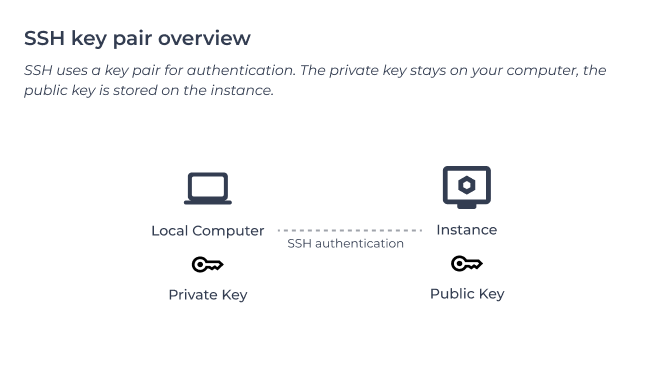






Connect to cloud instances (via SSH)
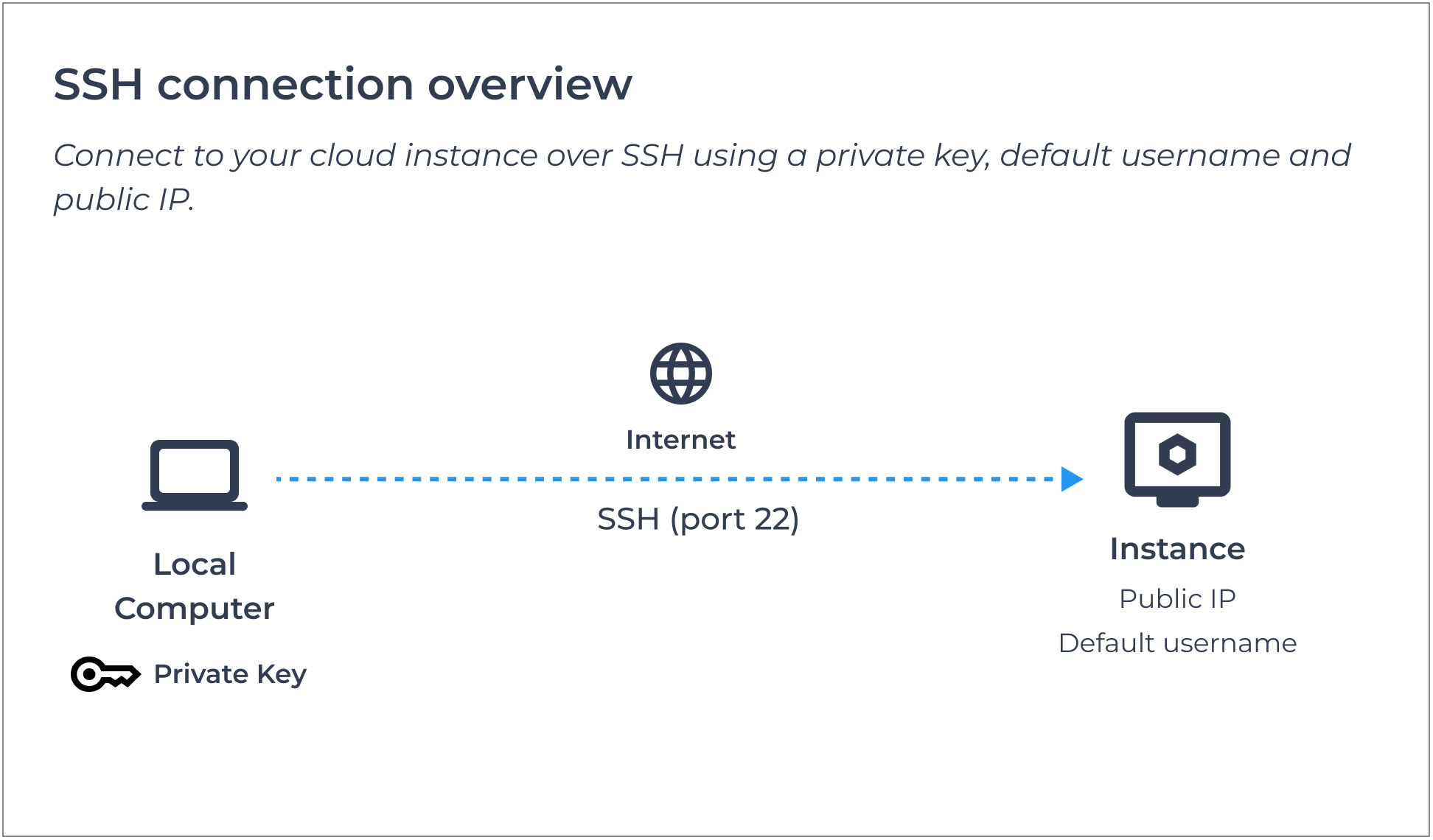
This article explains how to connect to your cloud instance using SSH (Secure Shell) as the default user.
Once connected, you can start configuring your server and installing applications.
To connect via SSH, you will need:
- Instance public IP address
- Default instance username
- SSH private key
Note: xneelo Cloud public Linux images do not use a default SSH password. To connect for the first time, use the private key assigned to the instance when it was created.
-
Step 1: Find your instance details
You will need specific details on the instance in order to connect to it:
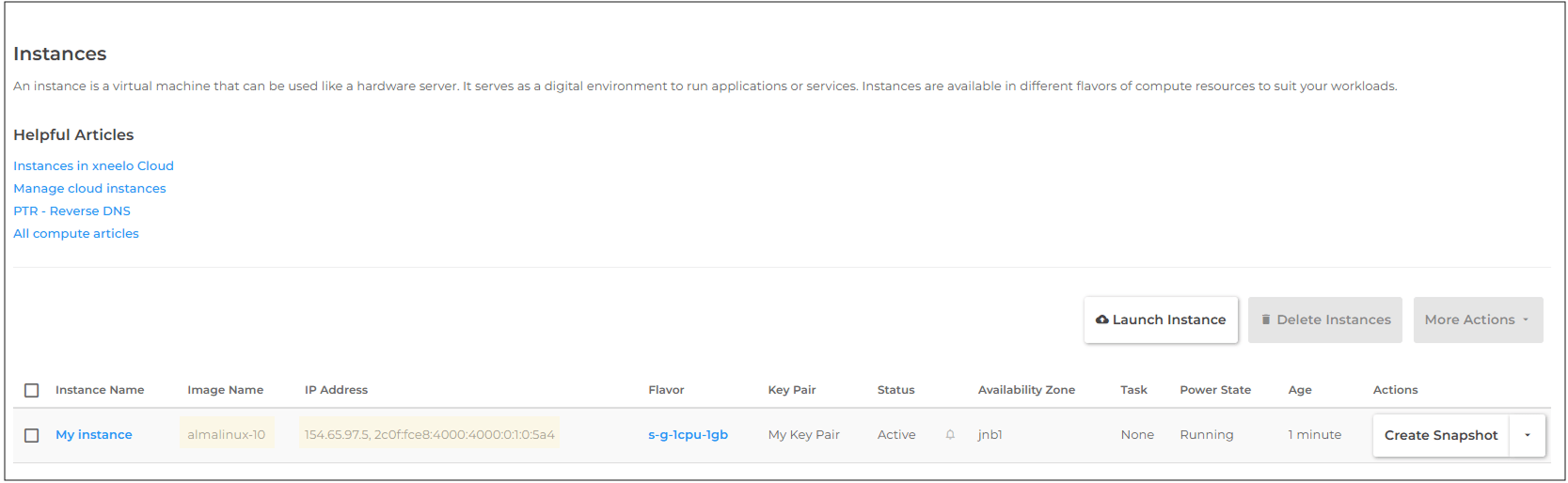
- Image Name (to determine the default username)
- Public IP address (IPv4 or IPv6)
Note: If you are using an IPv6 address and the connection fails, try the IPv4 address instead. Some Internet Service Providers do not support IPv6 connectivity.
Note: Private IP addresses cannot be reached directly from the internet. To connect from the internet, the instance needs either a public network interface or a floating IP.
Steps-
1Navigate to Compute → Instances
-
2Locate your instance in the table.
-
3Find the Image Name.
-
4Find the public IP address.

Once you’ve connected to your instance, you can start setting up your server and:
If the connection fails, see: Troubleshoot cloud instance connection