






How to submit feedback via the xneelo Control Panel
We value your feedback and use it to improve our products and support. If you have suggestions or want to share your experience, here’s how to get in touch.
Steps
-
1
-
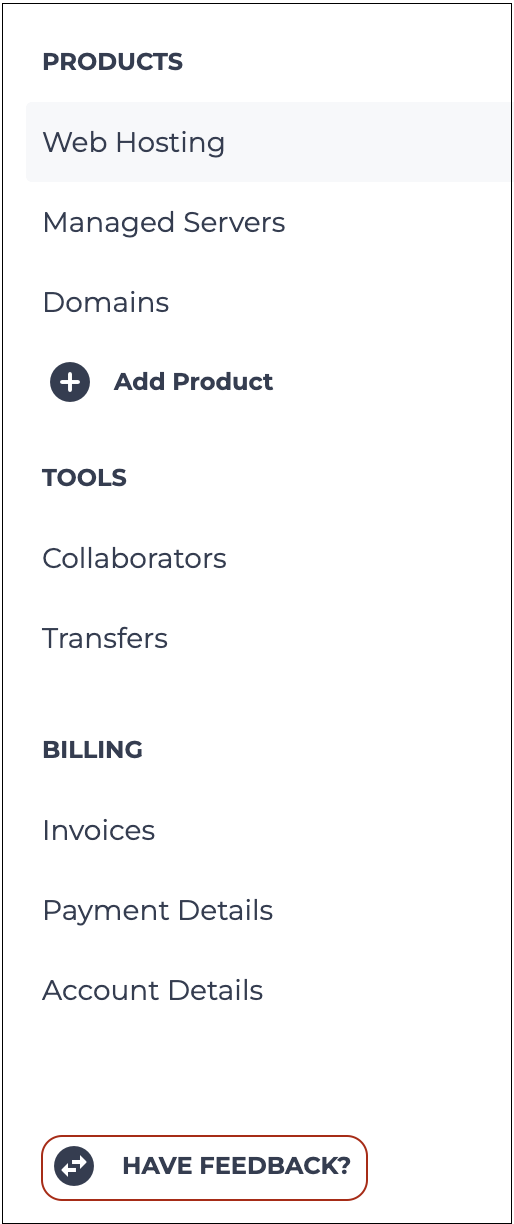
2In the side menu, select HAVE FEEDBACK?
-
3Rate your experience and select an option from the drop-down menu to indicate what your feedback relates to.
-
4Provide your feedback in the Tell us more section.
-
5Once you have completed your feedback, select Send.